A deck in your pocket
Shuffle by hand, cut and fan the cards on a 3D table, or skip straight to a quick draw. Upright and reversed, from a single daily card to the Celtic Cross, plus spreads you design yourself.
A tarot journal for iPhone
Shuffle, draw and write down what the cards said, and what you made of them.
Tarot Note keeps the question, the spread and your interpretation together,
so the next time a card turns up, its history comes with it.
Free on the App Store · iPhone
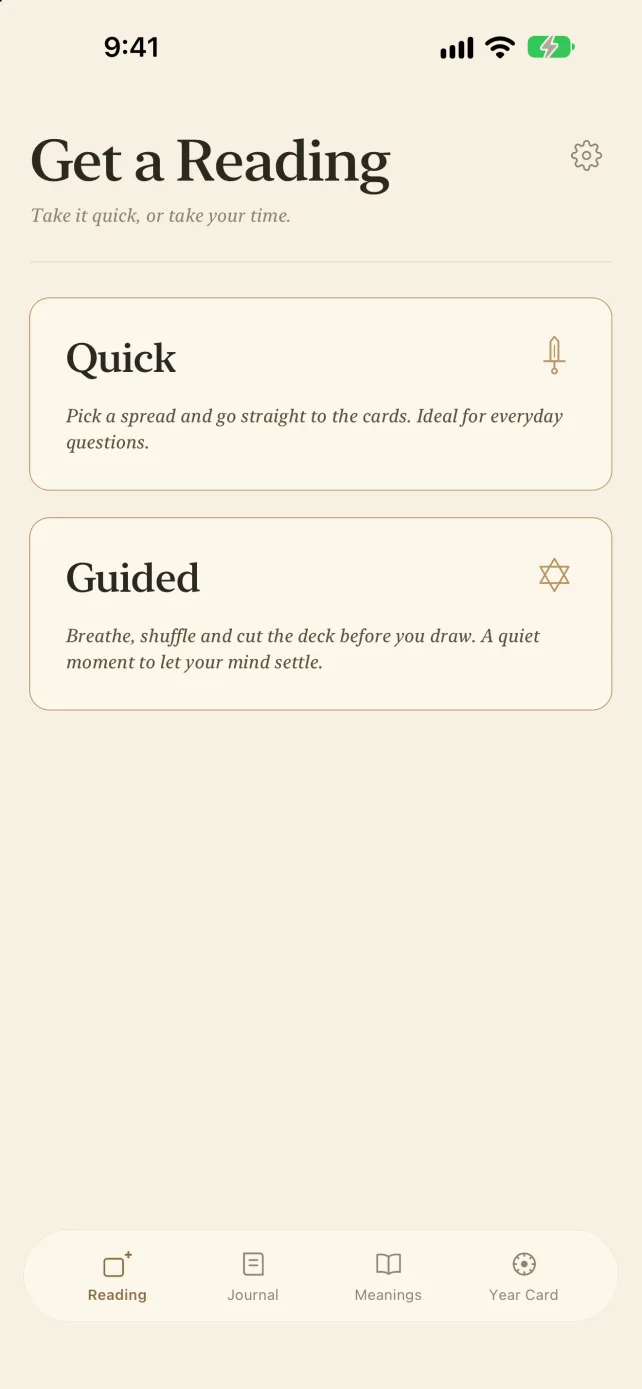 Quick when you need it. Unhurried when you don’t.
Draw · Read · Keep
No more hunting through photos and scattered notes. Each entry holds the cards, the question and your take on them, ready whenever you look back.
Shuffle by hand, cut and fan the cards on a 3D table, or skip straight to a quick draw. Upright and reversed, from a single daily card to the Celtic Cross, plus spreads you design yourself.
All 78 cards, upright and reversed. Rewrite any meaning in your own words, and keep notes on each card as your practice deepens.
Note who a reading was for, tag it, add a photo. Search a name, card or keyword to see how a card has spoken to you over time, or browse by date on the calendar.
Help
Can’t find what you need, or have an idea for the app? Drop us a line.
Absolutely. Draw a card, read its meaning, then jot down what it means to you. Over time, search for a card to see how it has shown up across different questions. The built-in meanings are a starting point; the interpretation is yours to practise.
Yes. In Journal, tap New reading, pick a spread and fill in the cards you drew, upright or reversed. Then add your interpretation or a photo of the spread. You don’t need to draw in the app to keep a journal.
Yes. Open any card in Meanings and tap Edit meaning. The original text is just a template: keep, cut or rewrite as much as you like, and add a personal note. You can restore the original at any time.
On your iPhone, and nowhere else. There’s no account and no cloud sync, and we never see your readings.
On your old phone, go to Settings → Backup & restore and export a backup. Save the file somewhere safe, then restore it on your new phone. It’s worth backing up before you delete the app, too. Photos aren’t included.
Your readings and draw history (cards, orientation, spreads, text, tags, people and places), plus any meanings you’ve rewritten and notes you’ve added. Photos aren’t included. Backup files aren’t encrypted, so keep them somewhere you trust.
No. Restoring adds the readings from your backup alongside what’s already there. Restore the same backup twice and you’ll get two copies.
No, they’re optional extras. Contacts fills in names, the camera and photo library add photos, and location fills in where you drew. Say no and type things in yourself; everything else works just the same.
Yes. Tarot Note is free, with no ads and no in-app purchases.
No. Past readings keep the spread exactly as it was; your edit is saved as a new version.
Tarot Note follows your iPhone’s language. To change it, open Settings in the app and choose Language. English and Traditional Chinese are available.
Tarot Note · Free on iPhone
Available on the App Store.
Card meanings and spreads are for reflection and entertainment, and are not a substitute for medical, legal, financial or other professional advice.